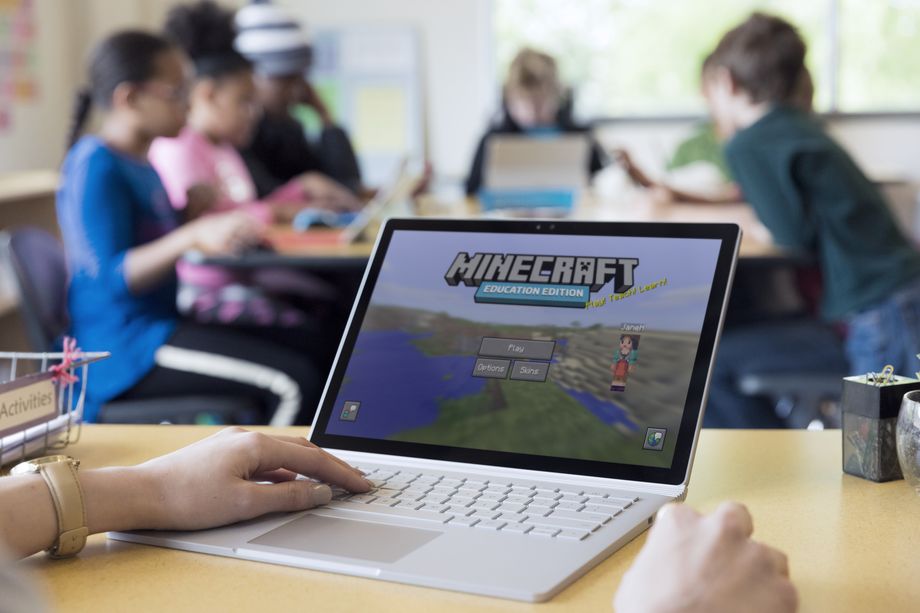
Microsoft wants kids playing Minecraft in class, and it’s hoping that schools will not just let them, but support them. It’s launching a version of Minecraft today called Minecraft: Education Edition that includes some classroom tools and a way to roll out accounts to every student in a class or district.
The app has been in development since last January, when Microsoft purchased a mod working toward the same goal. The educational tools went into a beta period this summer, with Microsoft hoping to have a full release ready by the time school started. It missed that date by a couple months, but the game is now ready to go on both Windows 10 and macOS.
Despite the new name, Education Edition isn’t dramatically different from regular Minecraft. It’s pretty much the same game, just with some tools that’ll make things easier for teachers — there’s a way to see where all their students are on a map, give students different resources, and teleport people to specific locations. There are also a few new in-game items,
including a camera and a chalkboard.
Microsoft’s hope is that Minecraft can keep kids engaged while teachers use it to explore other subjects. Educators will have to build out worlds that connect with whatever they’re teaching, be it a setting in a book or a historic structure. In one example on the game’s website, an enormous blocky model of the human eye has been made, meant for students to venture inside of to see how it works.
Worlds and lesson plans will be collected on Education Edition’s website, but Microsoft isn’t going to be making these on its own. It’ll be up to teachers to create instructive worlds, and therein could be the problem. Creating a Minecraft world is a time-consuming process — and that’s true even for people who are familiar with Minecraft. Getting teachers to create lesson after lesson just isn’t practical.
That means the success of Education Edition lies in large part on the broader community of educators. If there aren’t enough teachers out there who want to make and share worlds and lesson plans for Minecraft, it’s going to be hard to get a lot of people using it.
The game is available to schools starting today, for $5 per student for a year’s subscription.
After more than two years of tinkering and finessing, today Google finally officially launched its Tango smartphone augmented reality system to the masses.
Right now, it’s only available on Lenovo’s $499 Phab2 Pro, which arrives in stores in the US today, but you can expect to see this in a bunch of Android phones in the next year or so.
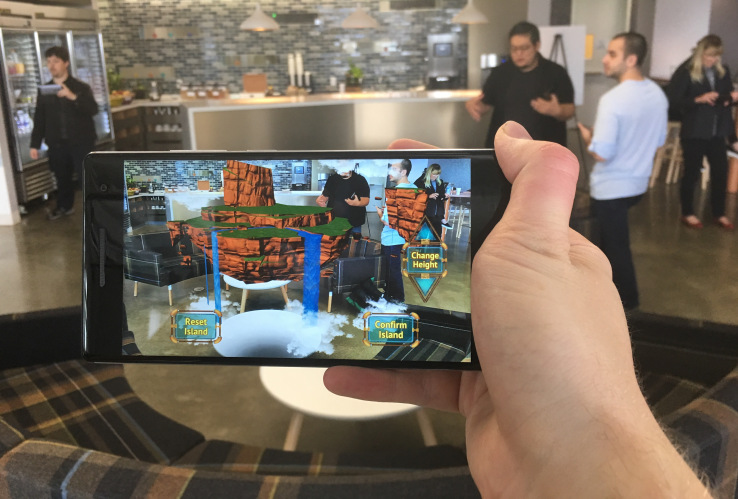
About 35 applications are launching with Tango support at launch. I had a chance to demo about a dozen of them and results were mixed. Developers are really still figuring out what these cameras are good for and some might be trying a bit too hard to capitalize on the depth-sensing feature. There are certainly some ground-breaking apps in early infancy.
For gamers, Tango certainly offers a chance to have a more intense gaming session. Titles like Crayola Color Blaster show the ability of games to capitalize on larger playing spaces while utilizing the technology’s tracking abilities.
What were ultimately most intriguing were the non-gaming apps. iStaging allows you to position furniture in your home and see what a new lamp would look like on your desk. This app was one of the most effective in highlighting how much better Tango’s mapping has gotten over the past several months. Matterport’s Scenes app allows users to capture their spaces in volumetric 3D, what that’s actually useful for is a bit limited in scope, but visually it’s really freaking cool and highlights just how sophisticated even Tango’s first effort is.
Tango has tellingly undergone some organizational changes within Google since it was first introduced. The program is now operated directly alongside Google Daydream, the company’s central smartphone virtual reality effort. It’s clear that there’s very little intention to keep these programs separate for too long. The opportunities offered by Tango in terms of inside-out positional tracking would offer VR a major boon if a smartphone is launched that is Tango and Daydream compatible.
For all its notoriety and specialty, Tango is a feature bound for mass consumption. Depth sensing cameras are a feature that will inevitably land on smartphones with the clear use cases becoming most apparent after we all readily have access to them. Tango is starting with a rather tepid launch on a single Lenovo phablet, but the quality experience is certainly there.
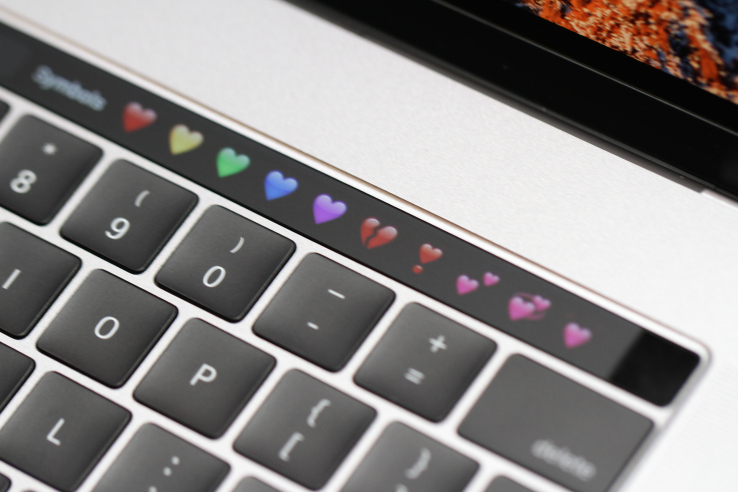
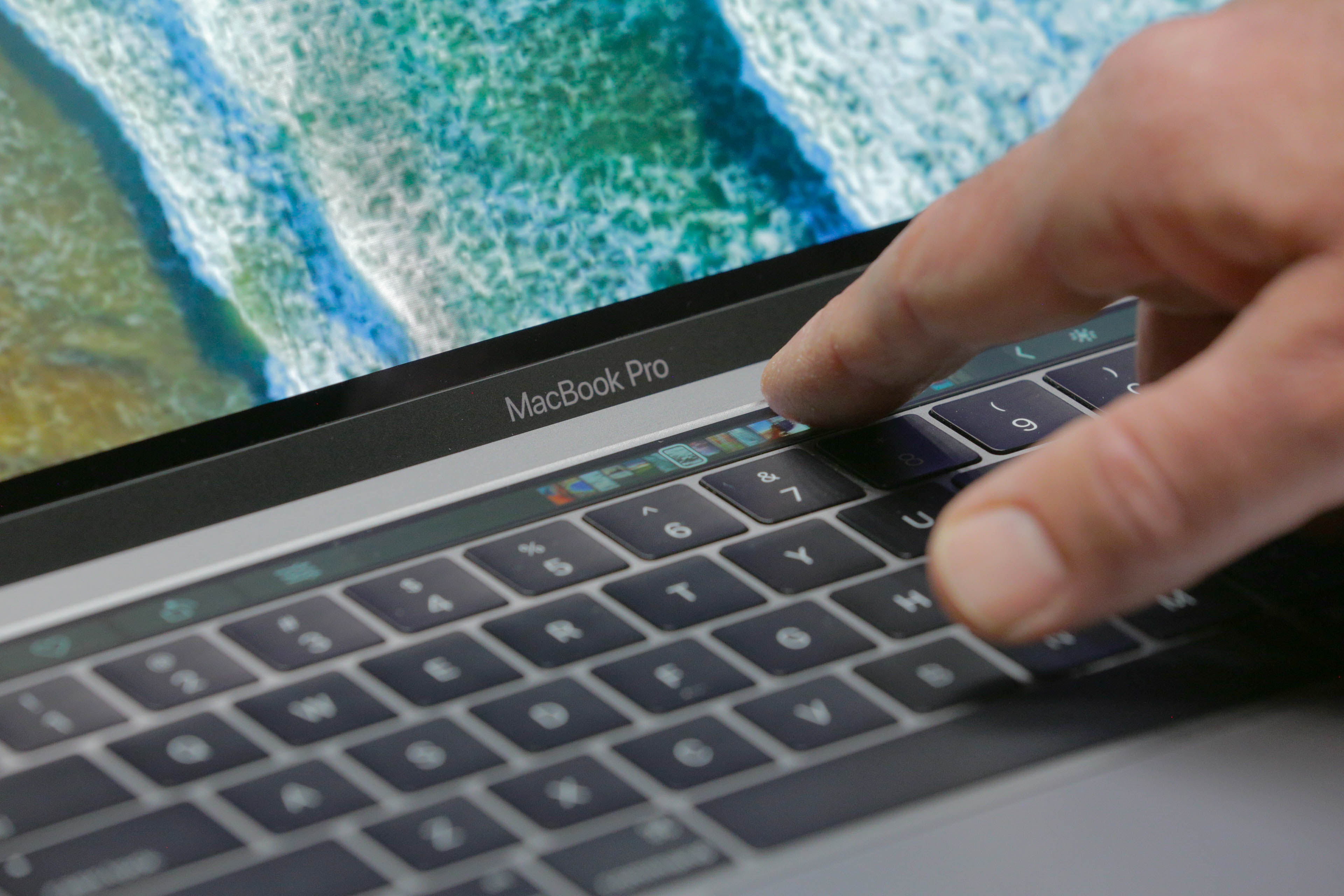
The Touchbar is serious business. Apple’s interface guidelines warn against all kinds of fun things that developers probably started thinking about when the new MacBook Pros leaked earlier this week. No doubt some apps will find a way to be creative even under the stern eye of Apple’s party police, but it’s clearly discouraged.
Here are a few choice items from Apple’s guidelines telling developers how to create Touch Bar interfaces:
Use the Touch Bar as an extension of the keyboard and trackpad, not as a display.
The Touch Bar shouldn’t display alerts, messages, scrolling content, static content, or anything else that commands the user’s attention or distracts from their work on the main screen.
Avoid animation. The Touch Bar is considered an extension of the keyboard, and people don’t expect animation in their keyboard.
Use color tastefully and minimally. In general, the Touch Bar should be similar in appearance to the physical keyboard.
In general, the Touch Bar shouldn’t include controls for tasks such as find, select all, deselect, copy, cut, paste, undo, redo, new, save, close, print, and quit.
Now, admittedly, some of these things could be annoying or pulled off poorly. And it’s clear that Apple wants developers and users both to think of the Touch Bar as an extension of the keyboard, not of the screen. But prescribing usage in that way often isn’t a good idea. The fact is it’s both, and ought to be used for both.
Who wouldn’t want a stock ticker there, or a Twitter feed, or a progress bar for downloads and file operations? There are plenty of possibilities to explore here, and it seems a disservice to insist that things remain monochrome, key-shaped and static.
I for one was thinking of what the first Touch Bar games would look like, or how it could act as a Rainmeter or MenuMeters-like at-a-glance view of my machine.
Even if we’re going to keep things boring, why not have copy, paste, save and all those on there? Sure, they duplicate shortcut keys, but so do a bunch of the things they showed onstage today.
Standardizing stuff so users know more or less what to expect is a good idea, especially with a new feature like this, but this is more stifling than standardizing. Experimentation with novel user interfaces has created all kinds of fun apps with intuitive and interesting controls. Apple is pretending it already knows everything about how this interface should be used, when it’s actually a wide open field.
Whether any of this matters depends a lot on how rigorously Apple enforces these design guidelines. Will it be satisfied with simply encouraging its own limited vision of what should appear on the Touch Bar, or will it actively discourage apps that step outside it? We’ll know soon. But it would be a shame to see this cool new feature fall short of its potential.
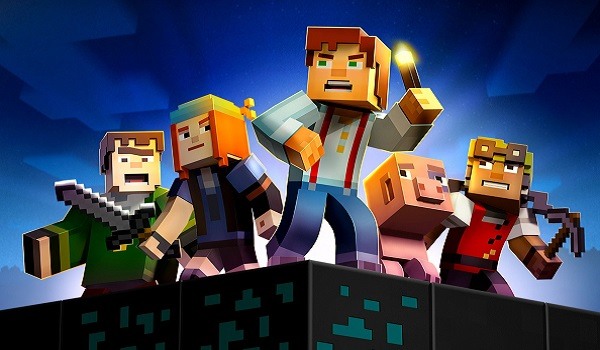
If you still haven’t taken Minecraft: Story Mode for a spin, your patience (or stubbornness) is being rewarded in the form of some gratis gaming. For a limited time, you can get your hands on the first chapter free of charge.
Telltale announced this week that they have made the first chapter of Minecraft: Story Mode 100 percent free across multiple platforms, including the Xbox Marketplace, iOS, Google Play, the Amazon Appstore, and the PlayStation Network. Pretty much anywhere you can play the game (and there are certainly a large number), you can get in on the action for no initial investment.
To make this news even better, Telltale has announced that, after you give the first chapter a go, you can get the rest of the episodic series at a discounted rate. So not only can you play for a couple of hours with no commitment, you can keep right on trucking for a fraction of the original asking price.
There are a few options when it comes to purchasing the full game, including the Season Pass, Adventure Pass, Season Pass Deluxe and The Complete Adventure across various platforms. There’s also the physical game disc, which can be purchased at retail. No matter which route you go, you’ll find that Minecraft: Story Mode has seen a reduced rate, though we’d argue that publishers are getting a bit carried away with all of these different packages.
In total, Minecraft: Story Mode comes in at eight episodes. That’s five episodes from the core game, plus the additional three episodes from the Adventure Pass. That’s a break in the norm for Telltale, who tend to keep their episodic games, including The Walking Dead, Game of Thrones, Tales From the Borderlands, Batman and the like, to about five episodes.
Starting next Tuesday, Oct. 25, Minecraft: Story Mode — The Complete Adventure will be available at retail for $29.99. That’s a pretty nice price point for all of that blocky goodness. This physical version of the game will be available for the PlayStation 3, the Xbox 360, PlayStation 4 and Xbox One. A PC launch is planned for the near future.
If you’re new to Telltale games, they don’t really venture below “fantastic” in the quality department these days, and reviews for Minecraft: Story Mode show that it does a good job of keeping that tradition alive. It’s got a solid cast, too, featuring Patton Oswalt, Catherine Taber, Ashley Johnson, Corey Feldman, John Hodgman, Paul Reubens, Sean Astin and more.
For those of you who have already plowed through everything Telltale’s Minecraft has to offer, we’d love to hear your thoughts in the comments below. Not that people should need extra convincing to try a free chapter, but is this something folks might want to move to the top of their “to do” list?
After a small delay, the advertised Boss Update is rolling out for Minecraft on Windows 10 and Windows phones.
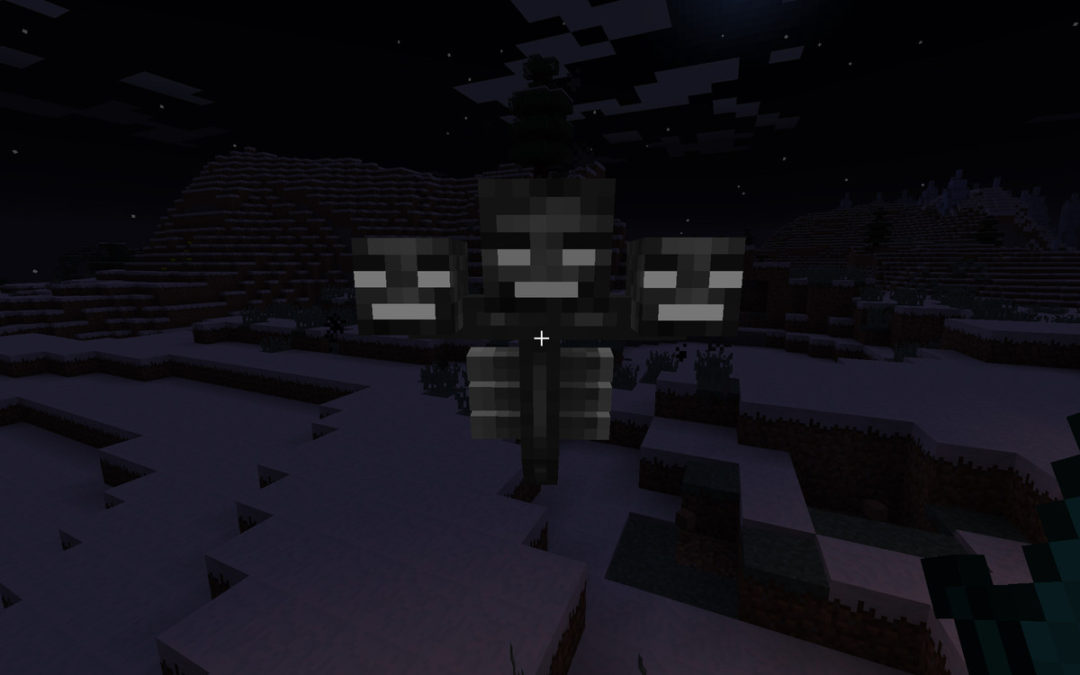
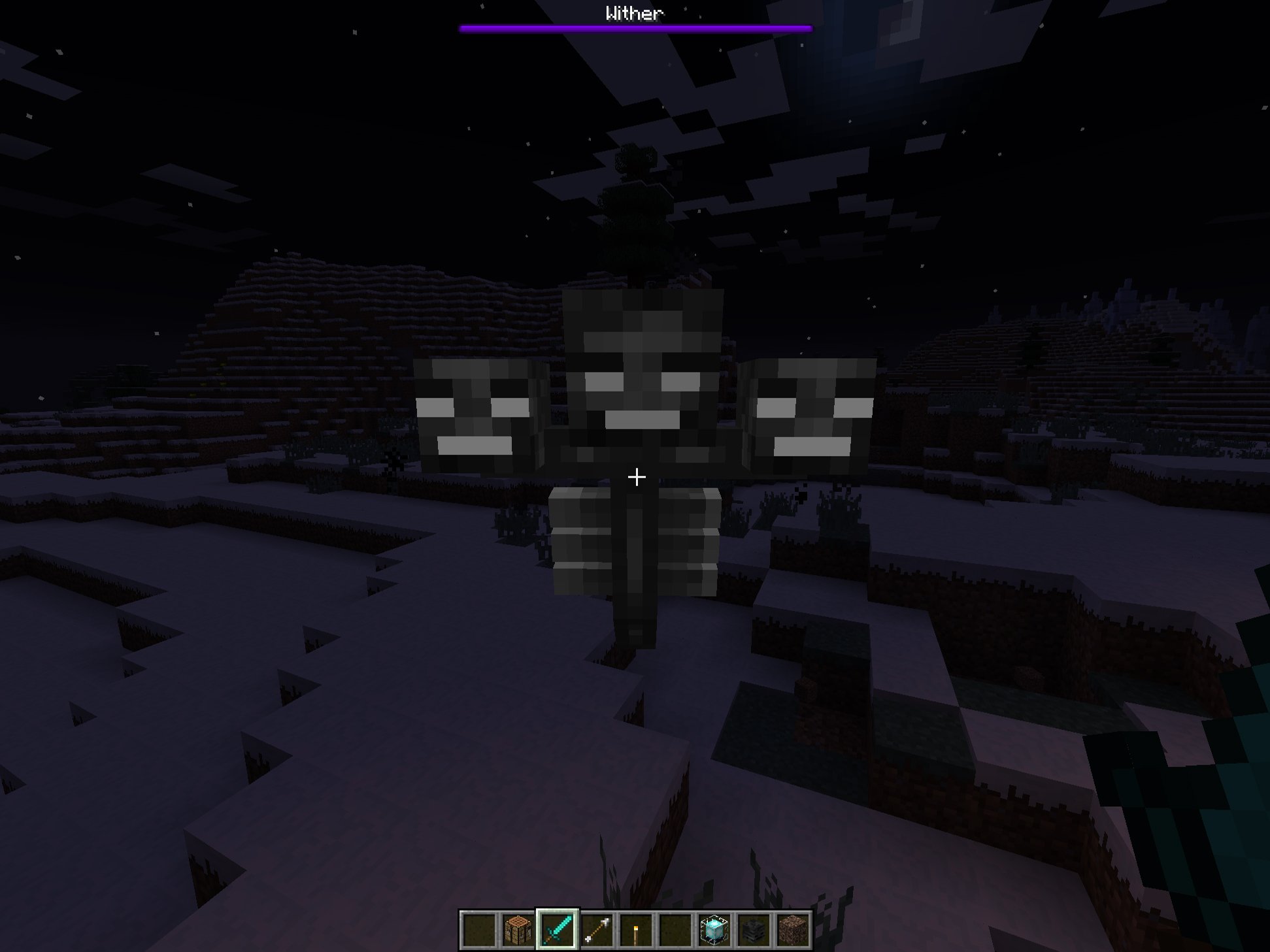
The Boss Update will bring Guardians, Ocean Monuments, the summonable Wither Boss fight, slash commands, and some UI refinements to the game. Additionally, it also provides the first iteration of Add-ons, allowing people to customize Minecraft using tools as simple as Notepad and MS Paint.
You can download some example Add-ons from Minecraft.netright here, including the E3-demonstrated Alien Invasion pack and a zombie Castle Siege pack. We’ll have some guides up shortly on how you can customize your own creatures in Minecraft, from the way they look, to the way they behave and interact with the game’s world.
Slash commands (with a handy auto complete feature). Enable cheats for a world in the options screen for access, but note that Xbox Live achievements will be disabled when you’re using ’em!
Custom key bindings! Hooray for lefties!
A new Creative inventory search feature
Add-On section for world settings
Basic F3 support! (Win 10 only)
Coordinates!
You can change game modes in Realms (note that doing this will restart the realm)
Ability to upload & download worlds in Realms
Ability to promote players as operators in Realms
Tweaks
UI improvements!
Performance improvements!
Tweaks to various mob action/behavior triggers, including fixing creeper explosions
Elder guardian de-buff visuals fixed (feedback from Android beta)
Fishing rods & arrows will fire in more than just one direction
Lots of tweaks to water textures to make underwater more fun
Tweaks to Realms settings
Visual tweaks to sun, moon & stars when rendering in VR immersive mode
Ridiculous numbers of bug fixes!
Sadly, the update still excludes the Windows Phone version of the game from Realms, Microsoft’s subscription-based dedicated Minecraft hosting service, but the company has always told me that it is their goal to bring it in, eventually, in addition to Xbox One and Xbox 360.
If you don’t have Minecraft and want to see what all the fuss is about, join me, Daniel Rubino and Zac Bowden tonight on Beam.pro where we’ll stream some Minecraft, chat with you about Microsoft and probably get blown up by wayward creepers!
Programming is a valuable skill for kids of all ages to pick up, and when they learn by playing with their favorite characters and games it’s even more fun. Code.org has two new tutorials that will appeal to many kids based on Minecraft and Star Wars.
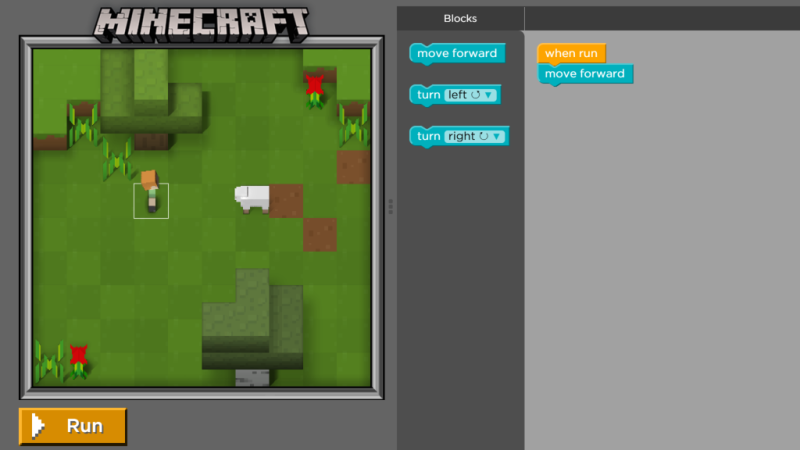
The Minecraft interactive tutorial has kids choosing between Steve and Alex for their character and then dragging and dropping code blocks to get their character to mine, explore, and craft in the very familiar Minecraft world (complete with that haunting music). There are 14 challenges available now, rated for kids ages 6 and up, and it looks like more languages will be added soon.
The Star Wars tutorial, also in beta, offers both the blocks code and a JavaScript version intended for older kids ages 11 and up (but depending on your child, it’s totally doable for younger kids as well).
These are incredibly fun tools, part of the Hour of Code, which many schools are scheduled to participate in from December 7 to 13th, Computer Science Education Week. You can volunteer here. Thanks Vin!