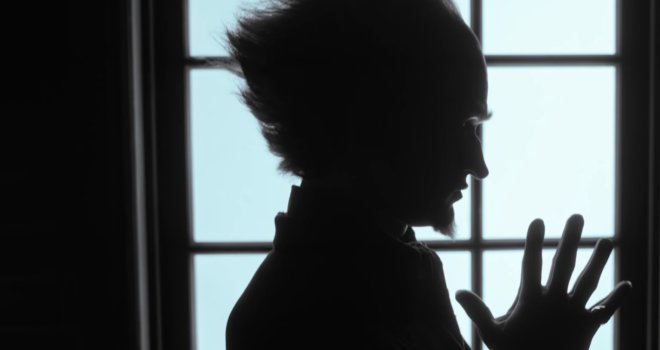
Meet Count Olaf in the New ‘A Series of Unfortunate Events’ Teaser
The first teaser trailer for Netflix’s upcoming adaptation of “A Series of Unfortunate Events” was all build-up, promising “cruel whimsy and whimsical cruelty ” to come. Now, another teaser, featuring footage from the actual series, in finally here, and it certainly delivers on that promise.
The short clip gives viewers a brief synopsis of the story, which focuses on the three orphaned Baudelaire siblings, Violet, Klaus, and Sunny, who are sent to live with their mysterious uncle, Count Olaf (Neil Patrick Harris). Unfortunately for the kids — and the word “unfortunate” will almost certainly pop up again and again in this series — Olaf is a cruel, greedy man, whose only aim is to swindle the children out of their parents’ inheritance.
Olaf proves to be a formidable foe for the Baudelaires, described by others as “a vile, terrible person” and “a thief and a murderer.” Thankfully, the kids can more than hold their own against their uncle, and band together to outsmart him at every turn, while also working to solve their the mystery behind their parents’ death.
The eight-episode series is set to debut on Netflix on January 13.
He knows how to get a big laugh from nothing more than an arched eyebrow
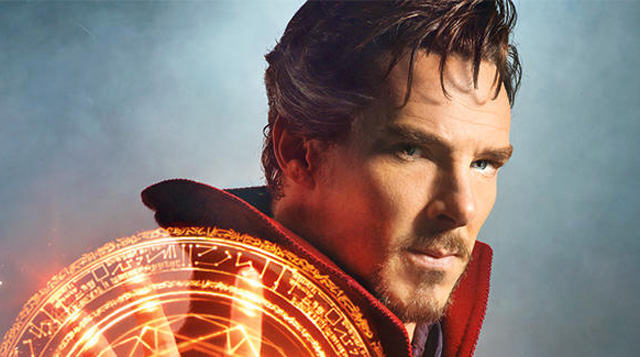
There are many ridiculous but not inconsiderable pleasures to be found in Scott Derrickson’s Doctor Strange: The sight of Mads Mikkelsen, villain supreme, skulking around in metallic eye makeup and a silly ponytail; the joy of listening to Chiwetel Ejiofor deliver unapologetically ridiculous dialogue with the same sonorous gravity he’d bring to a production of Hamlet; and last, but hardly least, the vision of Benedict Cumberbatch, as surgeon-turned-sorceror Doctor Strange, attempting to wrestle his rippling red cape into obedience, and failing. All of these things are funny, but not in a “Look how hilarious all of this is!” way, a la James Gunn’s 2014 class clown of a movie Guardians of the Galaxy.Doctor Strange has one significant quality that most Marvel adaptations lack: A sense of humor about itself, which it wears as lightly as the most gossamer Cloak of Levitation.
Cumberbatch’s Doctor Strange is the movie incarnation of a minor Marvel character who first appeared in Strange Tales in 1963: He’s no Spider Man, or Iron Man, or Hulk. While Doctor Strange has his own solid fan base, he’s not forced to carry the beloved childhood memories of several million grown men on his shoulders.
That’s the last thing Doctor Strange—cynical, acerbic, supremely confident of his role in the universe—would want, anyway. When we first meet Dr. Steven Strange, he’s not so strange at all: Just a brilliant, glamorous surgeon, with a sweet, smart sometime girlfriend, Rachel McAdams’ Christine, and a drawerful of swanky collectible watches. One night, decked out in evening duds and en route to a charity event, he suffers a terrible car accident. (Texting while driving is his downfall.) His hands are shattered, and no amount of physical therapy will return them to their former unshakable glory. Then he learns of a secret place, somewhere near Kathmandu, where his powers might be restored. There he meets the enigmatic Mordo (Ejiofor), who leads him to a Celtic mystery chick with no eyelashes, The Ancient One (Tilda Swinton). She agrees to help Strange unlock a motherlode of mystical secrets that will, he believes, allow him to return to his old life. Not so fast, Doctor: There’s a price to be paid for all this shamanistic knowledge, and before long, our newly minted necromancer is mixing it up with the nefarious Kaecilius (Mikkelsen) and dodging the wrath of cranky sorcerer-librarian Wong (Benedict Wong).
Until the big climax—every Marvel movie has to have one—Doctor Strange is relatively quiet and visually beautiful, and some of its effects are wondrous: The Ancient One teaches the Strange one to summon currents of orange energy to his fingertips—they swirl around in glowing concentric circles before striking out in fiery flashes, like dragon’s tongues. The movie takes the idea of Christopher Nolan’s folding Paris, from Inception, and expands it into a series of dazzling, kaleidoscopic effects: The streets of New York and Hong Kong fold and unfold like angular M.C. Escher morning glories.
Those are great effects the first time you see them, and maybe the second. By the end of Doctor Strange, they’ve been repeated so often that they lose much of their magic. Luckily, the actors retain all of theirs. Although the casting of Scotswoman Swinton as the Ancient One, originally an Asian character, caused some controversy when it was announced, Swinton is so totally weird and out-there that her features and skin color are practically beside the point. (And though it’s true that Asians are underrepresented in Hollywood movies, the answer isn’t to cast only Asian actors as Asian characters, but to open the world of non-Asian characters to Asian casting. If we’re doomed to a system of one-to-one matching, racewise, that means we could never have an Asian Hamlet or Lear—or, for that matter, a black, Latino or Native American one.)
Even beneath his somber Samurai garb, Ejiofor can’t hide his obvious pleasure in getting to play, finally, a Marvel character: It’s delightful to see him having so much fun. And Cumberbatch, both a natural comedian and a subtle one, knows how to get a big laugh from nothing more than an arched eyebrow. That’s got to be one of the biggest and most delicate feats of wizardry in this vast and unknowable universe, and Cumberbatch comes by it effortlessly: No ancient Celtic secret needed.
The best part about Minecraft is the ability to express and create. Mojang’s sandbox has been used for some pretty impressive builds such as the Kingdom of Galekin that took over five years to build and is still going. Even sports fans can dive into the blocky world and give their support through creativity.
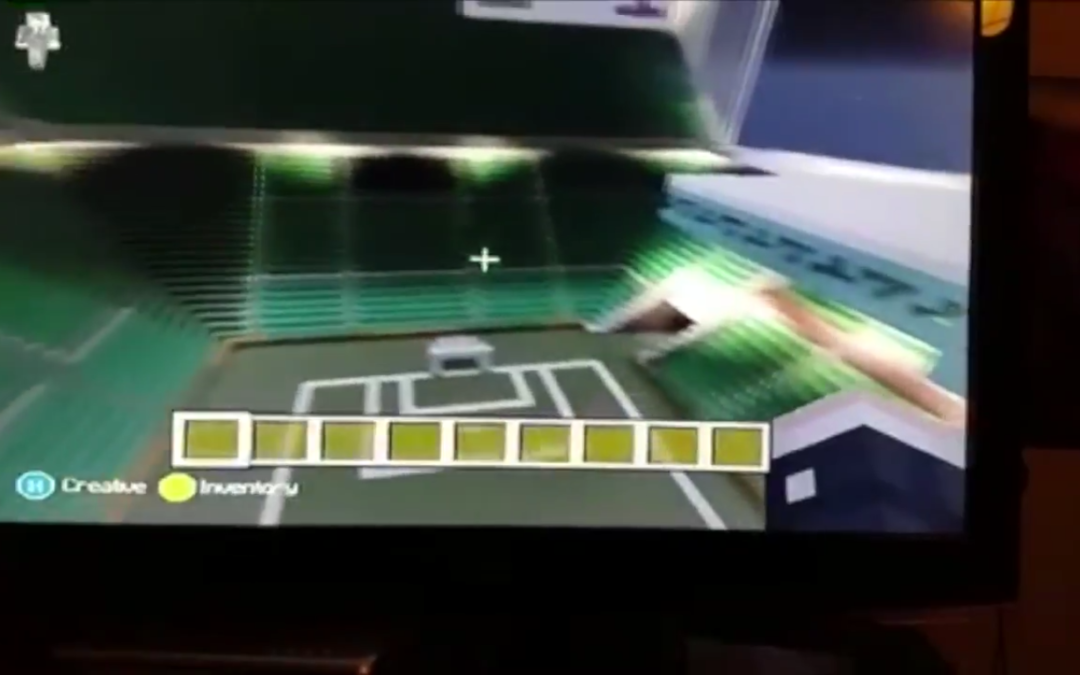
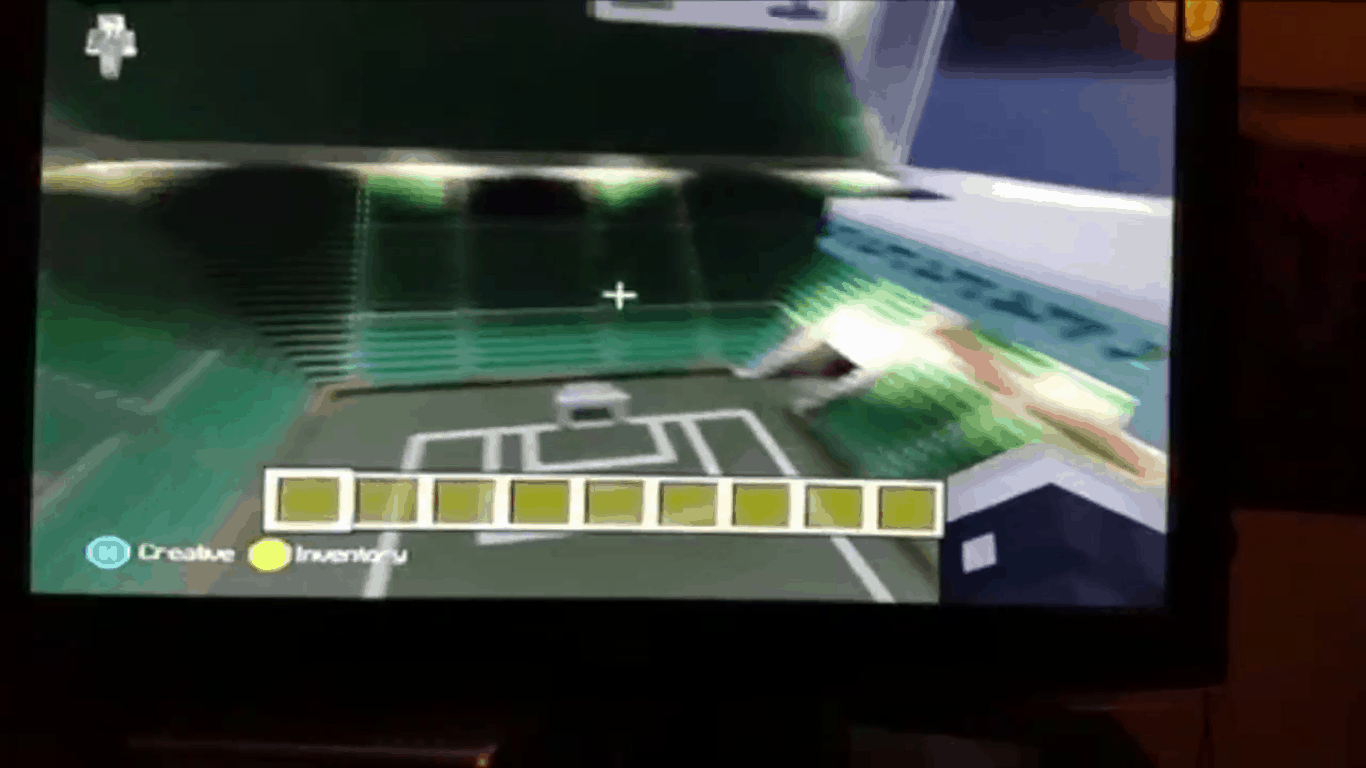
Sam is only 11 years old, and in Minecraft, he is a master architect. He is also a big fan of the CelticFootball Club from Glasgow and proved by building up their home turf in the video ground. The 3D tour of the stadium moves through the tunnel and welcomes the player with bright green field and seats. The build is even complete with a 5-1 score mocking Celtics rivals, the Rangers, from earlier in the season.
It was a creation made specifically for #BuildItScotland, an initiative to introduce children to new technology and ways to recreate monuments and landmarks from Scotland. Maybe we’ll see some other fun builds from the hashtag, but Sam’s Celtic Park in Minecraft scores major points with us!
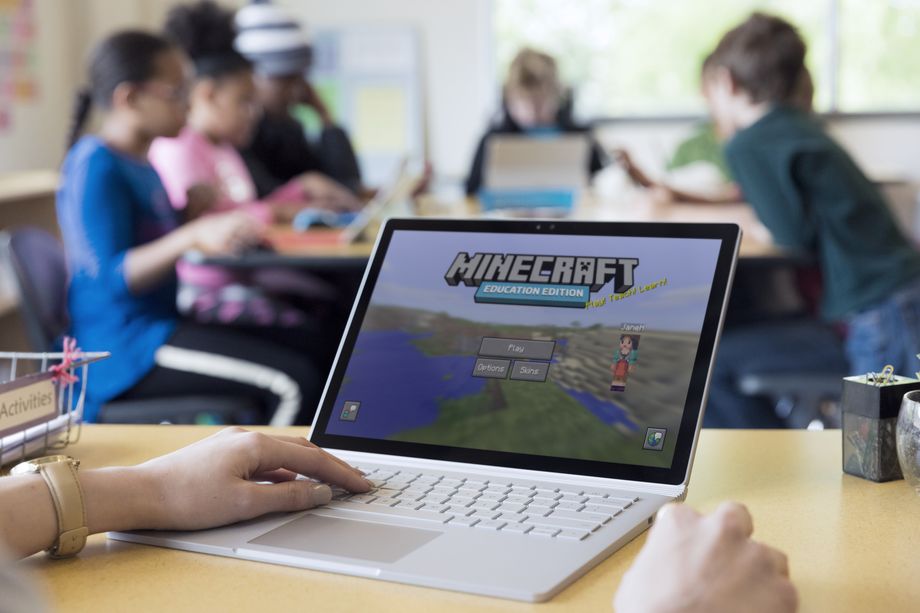
Microsoft wants kids playing Minecraft in class, and it’s hoping that schools will not just let them, but support them. It’s launching a version of Minecraft today called Minecraft: Education Edition that includes some classroom tools and a way to roll out accounts to every student in a class or district.
The app has been in development since last January, when Microsoft purchased a mod working toward the same goal. The educational tools went into a beta period this summer, with Microsoft hoping to have a full release ready by the time school started. It missed that date by a couple months, but the game is now ready to go on both Windows 10 and macOS.
Despite the new name, Education Edition isn’t dramatically different from regular Minecraft. It’s pretty much the same game, just with some tools that’ll make things easier for teachers — there’s a way to see where all their students are on a map, give students different resources, and teleport people to specific locations. There are also a few new in-game items,
including a camera and a chalkboard.
Microsoft’s hope is that Minecraft can keep kids engaged while teachers use it to explore other subjects. Educators will have to build out worlds that connect with whatever they’re teaching, be it a setting in a book or a historic structure. In one example on the game’s website, an enormous blocky model of the human eye has been made, meant for students to venture inside of to see how it works.
Worlds and lesson plans will be collected on Education Edition’s website, but Microsoft isn’t going to be making these on its own. It’ll be up to teachers to create instructive worlds, and therein could be the problem. Creating a Minecraft world is a time-consuming process — and that’s true even for people who are familiar with Minecraft. Getting teachers to create lesson after lesson just isn’t practical.
That means the success of Education Edition lies in large part on the broader community of educators. If there aren’t enough teachers out there who want to make and share worlds and lesson plans for Minecraft, it’s going to be hard to get a lot of people using it.
The game is available to schools starting today, for $5 per student for a year’s subscription.
After more than two years of tinkering and finessing, today Google finally officially launched its Tango smartphone augmented reality system to the masses.
Right now, it’s only available on Lenovo’s $499 Phab2 Pro, which arrives in stores in the US today, but you can expect to see this in a bunch of Android phones in the next year or so.
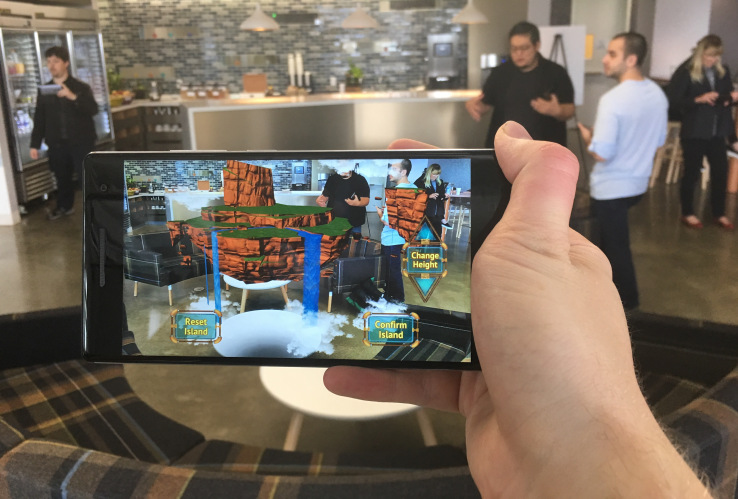
About 35 applications are launching with Tango support at launch. I had a chance to demo about a dozen of them and results were mixed. Developers are really still figuring out what these cameras are good for and some might be trying a bit too hard to capitalize on the depth-sensing feature. There are certainly some ground-breaking apps in early infancy.
For gamers, Tango certainly offers a chance to have a more intense gaming session. Titles like Crayola Color Blaster show the ability of games to capitalize on larger playing spaces while utilizing the technology’s tracking abilities.
What were ultimately most intriguing were the non-gaming apps. iStaging allows you to position furniture in your home and see what a new lamp would look like on your desk. This app was one of the most effective in highlighting how much better Tango’s mapping has gotten over the past several months. Matterport’s Scenes app allows users to capture their spaces in volumetric 3D, what that’s actually useful for is a bit limited in scope, but visually it’s really freaking cool and highlights just how sophisticated even Tango’s first effort is.
Tango has tellingly undergone some organizational changes within Google since it was first introduced. The program is now operated directly alongside Google Daydream, the company’s central smartphone virtual reality effort. It’s clear that there’s very little intention to keep these programs separate for too long. The opportunities offered by Tango in terms of inside-out positional tracking would offer VR a major boon if a smartphone is launched that is Tango and Daydream compatible.
For all its notoriety and specialty, Tango is a feature bound for mass consumption. Depth sensing cameras are a feature that will inevitably land on smartphones with the clear use cases becoming most apparent after we all readily have access to them. Tango is starting with a rather tepid launch on a single Lenovo phablet, but the quality experience is certainly there.
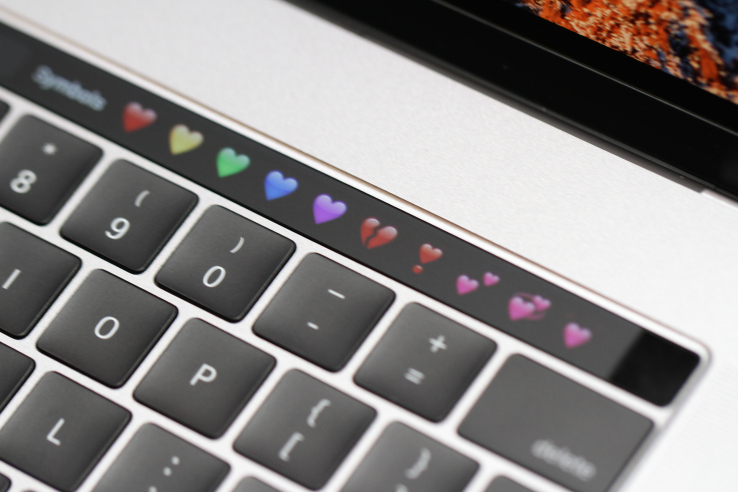
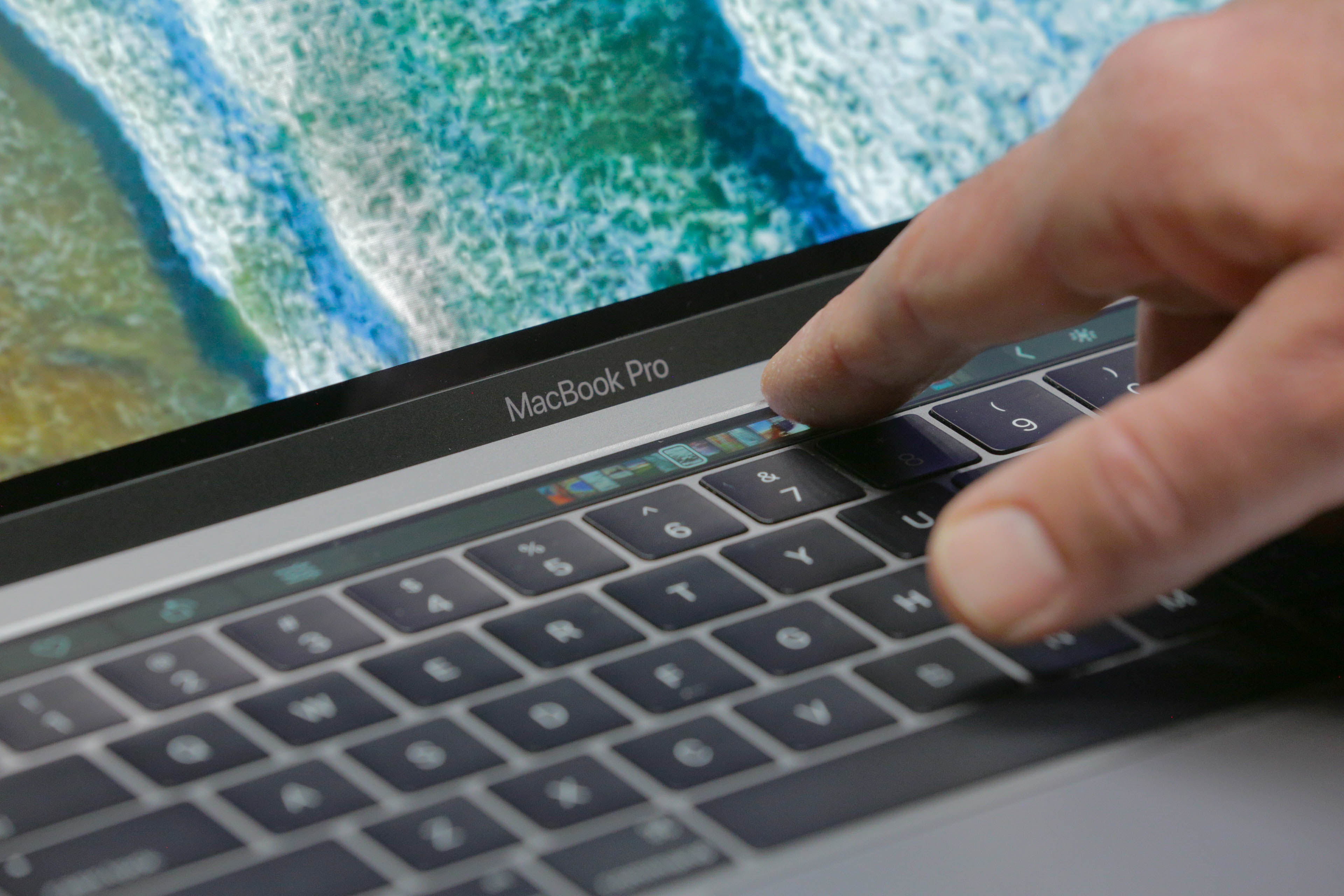
The Touchbar is serious business. Apple’s interface guidelines warn against all kinds of fun things that developers probably started thinking about when the new MacBook Pros leaked earlier this week. No doubt some apps will find a way to be creative even under the stern eye of Apple’s party police, but it’s clearly discouraged.
Here are a few choice items from Apple’s guidelines telling developers how to create Touch Bar interfaces:
Use the Touch Bar as an extension of the keyboard and trackpad, not as a display.
The Touch Bar shouldn’t display alerts, messages, scrolling content, static content, or anything else that commands the user’s attention or distracts from their work on the main screen.
Avoid animation. The Touch Bar is considered an extension of the keyboard, and people don’t expect animation in their keyboard.
Use color tastefully and minimally. In general, the Touch Bar should be similar in appearance to the physical keyboard.
In general, the Touch Bar shouldn’t include controls for tasks such as find, select all, deselect, copy, cut, paste, undo, redo, new, save, close, print, and quit.
Now, admittedly, some of these things could be annoying or pulled off poorly. And it’s clear that Apple wants developers and users both to think of the Touch Bar as an extension of the keyboard, not of the screen. But prescribing usage in that way often isn’t a good idea. The fact is it’s both, and ought to be used for both.
Who wouldn’t want a stock ticker there, or a Twitter feed, or a progress bar for downloads and file operations? There are plenty of possibilities to explore here, and it seems a disservice to insist that things remain monochrome, key-shaped and static.
I for one was thinking of what the first Touch Bar games would look like, or how it could act as a Rainmeter or MenuMeters-like at-a-glance view of my machine.
Even if we’re going to keep things boring, why not have copy, paste, save and all those on there? Sure, they duplicate shortcut keys, but so do a bunch of the things they showed onstage today.
Standardizing stuff so users know more or less what to expect is a good idea, especially with a new feature like this, but this is more stifling than standardizing. Experimentation with novel user interfaces has created all kinds of fun apps with intuitive and interesting controls. Apple is pretending it already knows everything about how this interface should be used, when it’s actually a wide open field.
Whether any of this matters depends a lot on how rigorously Apple enforces these design guidelines. Will it be satisfied with simply encouraging its own limited vision of what should appear on the Touch Bar, or will it actively discourage apps that step outside it? We’ll know soon. But it would be a shame to see this cool new feature fall short of its potential.