The Touchbar is serious business. Apple’s interface guidelines warn against all kinds of fun things that developers probably started thinking about when the new MacBook Pros leaked earlier this week. No doubt some apps will find a way to be creative even under the stern eye of Apple’s party police, but it’s clearly discouraged.
Here are a few choice items from Apple’s guidelines telling developers how to create Touch Bar interfaces:
Use the Touch Bar as an extension of the keyboard and trackpad, not as a display.
The Touch Bar shouldn’t display alerts, messages, scrolling content, static content, or anything else that commands the user’s attention or distracts from their work on the main screen.
Avoid animation. The Touch Bar is considered an extension of the keyboard, and people don’t expect animation in their keyboard.
Use color tastefully and minimally. In general, the Touch Bar should be similar in appearance to the physical keyboard.
In general, the Touch Bar shouldn’t include controls for tasks such as find, select all, deselect, copy, cut, paste, undo, redo, new, save, close, print, and quit.
Now, admittedly, some of these things could be annoying or pulled off poorly. And it’s clear that Apple wants developers and users both to think of the Touch Bar as an extension of the keyboard, not of the screen. But prescribing usage in that way often isn’t a good idea. The fact is it’s both, and ought to be used for both.
Who wouldn’t want a stock ticker there, or a Twitter feed, or a progress bar for downloads and file operations? There are plenty of possibilities to explore here, and it seems a disservice to insist that things remain monochrome, key-shaped and static.
I for one was thinking of what the first Touch Bar games would look like, or how it could act as a Rainmeter or MenuMeters-like at-a-glance view of my machine.
Even if we’re going to keep things boring, why not have copy, paste, save and all those on there? Sure, they duplicate shortcut keys, but so do a bunch of the things they showed onstage today.
Standardizing stuff so users know more or less what to expect is a good idea, especially with a new feature like this, but this is more stifling than standardizing. Experimentation with novel user interfaces has created all kinds of fun apps with intuitive and interesting controls. Apple is pretending it already knows everything about how this interface should be used, when it’s actually a wide open field.
Whether any of this matters depends a lot on how rigorously Apple enforces these design guidelines. Will it be satisfied with simply encouraging its own limited vision of what should appear on the Touch Bar, or will it actively discourage apps that step outside it? We’ll know soon. But it would be a shame to see this cool new feature fall short of its potential.
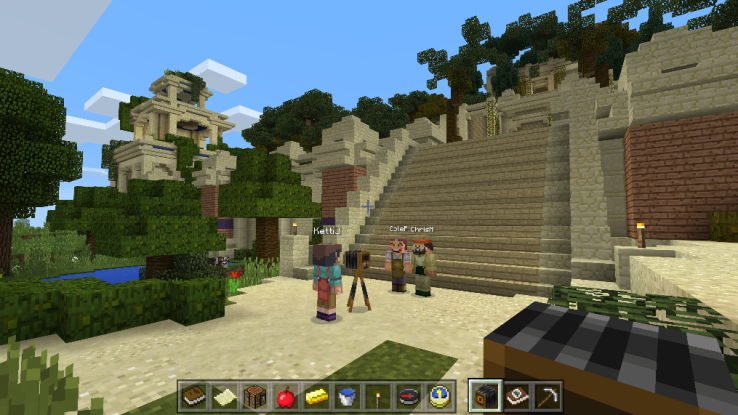
Following months of testing and free trials for early adopters, Microsoft announced this morning that its learning-focused version of the popular Minecraft game, Minecraft: Education Edition, is now available for purchase. The game is available in 50 countries and in 11 different languages, the company said, and will include the Classroom Mode companion app that lets teachers manage settings and interact with students in the game.
Microsoft had first announced its plans to develop a version of the game for educators at the beginning of the year, after acquiring the learning game MinecraftEdu for an undisclosed sum. The company then built upon that library of lessons and activities to develop programs for teachers across a variety of subjects, including STEM (science, technology, engineering and math), history, language, and art, for example.
At the time of the deal, Microsoft had said it made sense to move in this direction given that Minecraft was already being using in over 7,000 classrooms in over 40 countries worldwide, even without Minecraft’s official involvement.
With that market in mind, Minecraft: Education Edition got off the ground, and now offers lessons for kids as young as five up to teens and even college students.
Teachers were given free trials during the testing period, ahead of today’s official launch, in order to offer feedback and try Minecraft in their classrooms. The company in September said that, during these trials, over 35,000 students and teachers have used the software.
The companion app Classroom Mode was previously announced, along with the November launch date. This new app lets teachers change the variables for the world, offer up items to students, communicate with students, and transport students virtually from a central interface.
Now live, Minecraft: Education Edition is no longer free, but will instead cost $5 per user. Volume pricing will be available for larger institutions.
The software will also continue to be updated over time, notes the company, to include new game features from other editions of Minecraft. At launch, the official version includes all the latest updates previously available in the Minecraft: Windows 10 Edition beta, says Microsoft.
In addition to the software, Microsoft offers a dedicated website for educators at education.minecraft.net, where they’ll find lesson plans, tutorials, starter worlds, and collaborate with others. There’s also a more structured program called Minecraft Mentors available, which will team a teacher new to Minecraft with others with experience to learn how to use it in the classroom.
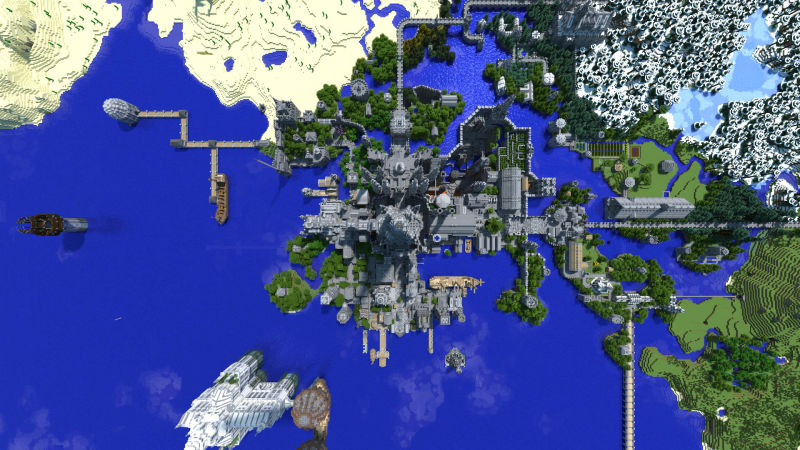
Five years ago, danrharvey wanted to “get stuck into a creative mode build” in Minecraft. Looking back on it today, he’s built something that’s not only original, but beautiful.
“It was fairly aimless at first”, he says, “I just started building a castle, with tunnels beneath, then about three or four months in, during an electrical storm my computer crashed and the save game corrupted. Disheartened, I stepped away from the game for a while, but it began to stew in my mind to start a new build, but it had to be big, and cool. Then one morning I awoke from a dream with an idea fully formed in my head. I’d build a castle with four different sides, because Minecraft is on a square grid. Each side would be similar, especially around the central tower, but as you moved out, the four sides would take on their own personality and function.”
The “Fortress” side.
Those four are a “Fortress” side (with defensive ramparts), a “Residence” side (with housing and gardens), a “Town” side (with stores and churches) and a “Factory” side (with farms and the buildings that power the rest of the build).
The level of detail borders on the obsessive throughout the castle, but then, that’s what makes it so amazing. The more little nooks, crannies and quirks, the more it comes across as a real place.
He even made his own custom resource pack for the build, whipping up his own mossy stone, glass and castle decorations.
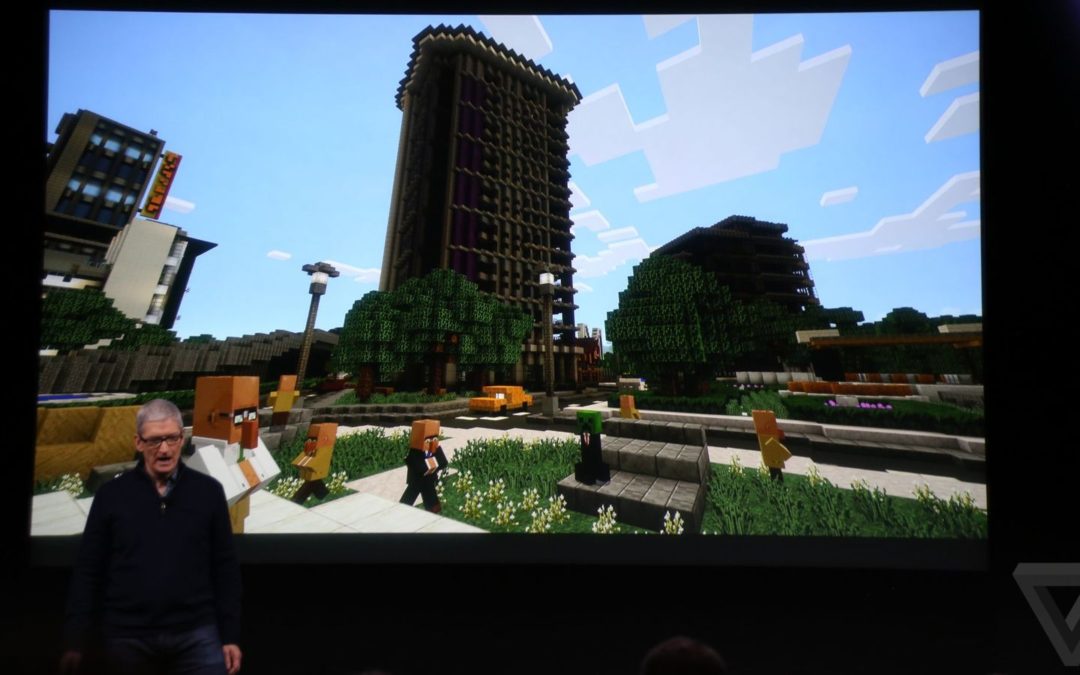
Apple CEO Tim Cook revealed today that Microsoft is planning to bring Minecraft to the Apple TV. While it was a brief mention on stage at Apple’s event, Cook did reveal you’ll be able to build worlds straight from the Apple TV. It’s likely that the app will be similar to the existing Pocket Edition for iOS, allowing you to play with other Minecraft players across multiple platforms.
Following an E3 tease earlier this year, Minecraft’s “Boss Update” for the Pocket version and Windows 10 has finally arrived. The most exciting aspect of this update has to be the add-on system, which allows players to edit various values in the game to create their own modified Minecraft experience.
It’s not full-on modding, because Minecraft players can only tweak existing values. Even so, the update represents a big step forward for the game, which has had no official mod support at all so far. So far the only entities that can be modified are mobs and NPCs, but presumably if this roll-out goes well, we will see the add-on capability extended to other areas of the game as well.
One add-on I sampled was a castle attack/defense map with wacky mob changes, like attack rabbits and witches riding wolves. Another add-on I experimented included a city under attack by aliens, which naturally you have to save.
These maps were thoroughly underwhelming. Castle Siege was an unplayable confusion of glitching and teleporting mobs that chugged so badly, it threatened to brick both my phone and my tablet. Actually, this is apparently a common occurence with other players: reports around the web say that the update is very taxing to mobile hardware, to the point of crashing on some older devices.
Alien Invasion was little more than a thin coat of paint on the base game—the aliens still sound and behave like zombies and skeletons (because they are). As usual, Mojang tapped some very talented builders—in this case, YouTuber Sethbling—and the maps are lovingly crafted, with tons of small details, decorative flourishes, and clever builds that show off Minecraft. Even so, add-ons still need work.
With add-ons, you can only edit existing values, not create new ones, so if you want to build a new mob you have to replace an old one. It’s not a huge problem, but not letting players populate the world with new mobs seems like an oversight.
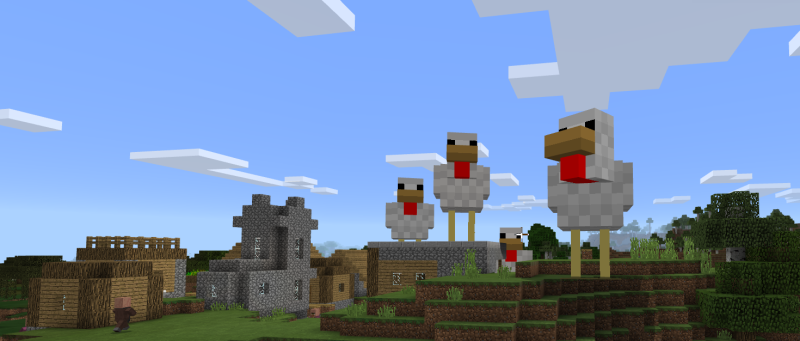
Though the official offerings leave a lot to be desired and the add-on system is still limited, it shows potential. With add-ons, there is room to experiment in interesting ways: exploding sheep, deadly rabbits, chickens the size of houses, you name it. Small tweaks can be made to mob behavior and values to make the game more or less dangerous, opening up a lot of avenues for experimentation.
The update also allows resource packs to change the look of your game, and comes with four professionally designed packs that can be bought on the store. Players will be able to upload their own resource packs, but it’s easy to be a little cynical about this particular addition. given Minecraft already has a dedicated community of artists and modders who have been creating resource packs on the original Java edition for years, and they are are bound to be frustrated by the addition of support and paid resources for MCPE instead.
Largely because of this, the add-on system is likely to divide the community even further. This update is for Minecraft Pocket Edition and Windows 10, but the mod community heavily favors the original Java edition, and have been asking for something like this for half a decade.
The success and failure of the add-on system will hinge on whether or not modders and creators can be enticed to make the shift from the Java edition to the MCPE edition, and so far there’s not a lot of enthusiasm for that. Without more are better tools, the best minds are likely to stick with what they know.
Rob Guthrie is a lapsed academic who writes about history, video games, and weird internet things. Follow him @RobertWGuthrie for pithy Tweets and lukewarm takes.


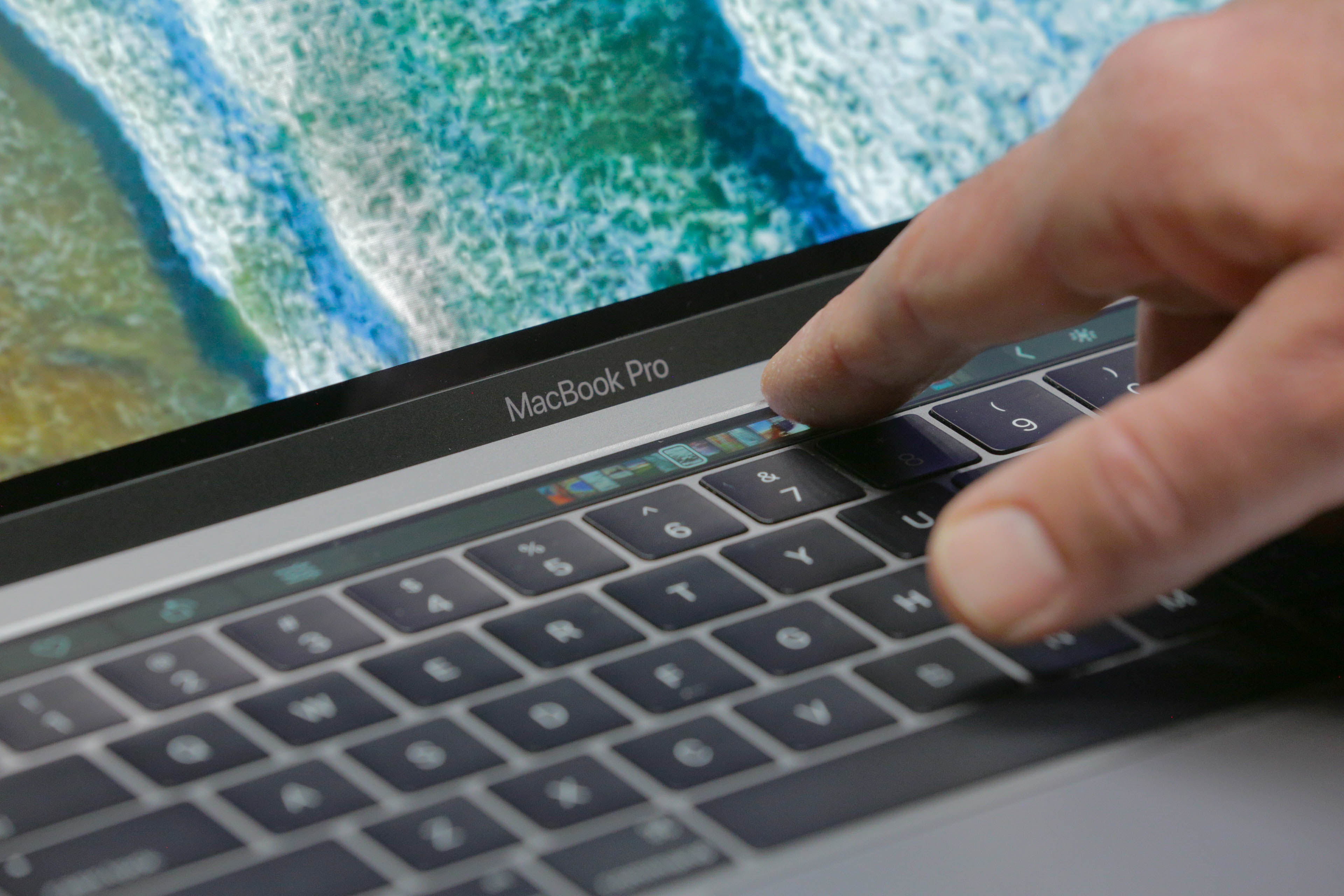 I for one was thinking of what the first Touch Bar games would look like, or how it could act as a Rainmeter or MenuMeters-like at-a-glance view of my machine.